

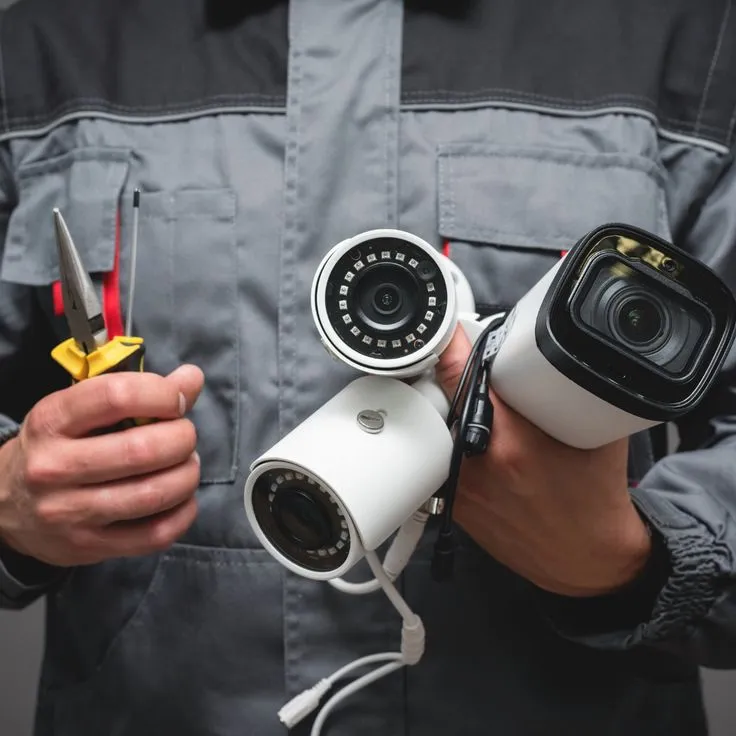
A shared office can be busy from early morning until late evening, with different businesses following their own schedules. Employees, cleaners, couriers and occasional visitors may all need access, making security more complicated than locking one door at closing time. Equipment alone cannot resolve confusion about who can enter, which areas are private or who responds to an alert. A practical approach combines clear access rules, suitable detection and responsibilities that everyone understands. This is especially important when several organisations occupy the same building but manage their operations independently.
Map the Boundaries Between Shared and Private Areas
Begin by distinguishing communal entrances, corridors and meeting rooms from spaces controlled by individual tenants. A reception door may serve everyone, while a records room or equipment store should remain restricted. Drawing these boundaries helps managers avoid placing sensors where ordinary movement would continually trigger alarms.
Tenancy agreements can also affect who may authorise changes to doors, walls and electrical equipment. Agree on responsibility before arranging installation rather than discovering that permission afterwards was needed from the building owner.
Build Alarm Rules Around Different Working Hours
One business might close at five while another has staff working into the evening. A single alarm schedule could therefore be inconvenient or ineffective. Managers should explore whether the proposed arrangement can distinguish appropriate zones and allow authorised users to operate them without interfering with neighbours.
Before requesting Security alarm installation, document opening patterns, shared entrances and the procedures for late departures. The installer can then explain which functions are supported by particular equipment. Staff need clear instructions for arming and disarming, and individual credentials are preferable to a code circulated to an entire building.
Make Visitor Access Predictable
Shared offices often receive visitors who do not know the building. Deliveries, interviews and maintenance appointments can create frequent door activity. A sign-in procedure and a nominated host make it easier to distinguish expected movement from unusual access without making visitors feel unwelcome.
Where an entrance camera is considered, its purpose should be explicit. Recording everyone passing through a shared corridor is not automatically justified merely because the equipment can do so. Relevant privacy notices, access controls and retention policies should be considered alongside camera positioning.
Questions for the Building Manager
A short discussion between tenants and management can reveal operational gaps before technology is purchased:
-
Who authorises new users and removes departing employees?
-
Which rooms require restricted access outside normal hours?
-
Who receives alarm notifications during evenings and weekends?
-
How are cleaners and contractors given temporary access?
-
Where can faults be reported without sending conflicting requests?
-
What happens if power or internet connectivity is interrupted?
-
Who maintains records of equipment tests and changes?
Putting the answers in writing gives each organisation a consistent reference when staff or tenants change.
Keep Recording Equipment Dependable
CCTV may help investigate incidents at entrances or in agreed shared areas, but footage is useful only when cameras and recorders operate correctly. A clear live picture does not prove that video is being saved. Managers should periodically confirm playback, timestamps and access permissions, while avoiding unnecessary viewing of personal information.
When recordings repeatedly disappear, a professional CCTV system repair assessment may identify storage faults, cable issues or configuration problems. Record which devices are affected and when interruptions occur. This is more useful than replacing multiple cameras without locating the original fault.
Review Arrangements Whenever Tenants Change
An office security plan can become outdated after a business moves out or another team takes its place. Door codes, alarm permissions and camera coverage should be reviewed as part of the handover, not left until the next incident. Shared equipment needs one accountable coordinator even when several organisations contribute to its cost.
A short annual meeting can also test whether emergency contacts remain current and whether staff still understand the procedures. Clear ownership prevents minor technical problems from turning into disputes between occupants.
Conclusion
In a shared office, the biggest security challenges often arise from unclear responsibilities rather than missing technology. Different working hours, changing tenants and visitor access require arrangements that everyone can understand. Documented permissions, coordinated alarm settings and reliable surveillance can reduce confusion between businesses occupying the same premises. techtwins.co.uk describes security installation and technical repair services that may support these requirements. When responsibility for access and maintenance is clearly established, security becomes easier to manage across the entire workplace.